
You are responsible for keeping a SaaS platform available. Your users expect files to load, assets to stream, and uploads to succeed every second of every day. A single storage node fails, and suddenly your application returns 503 errors. Your incident response channel lights up. Your boss wants a root cause analysis before lunch.
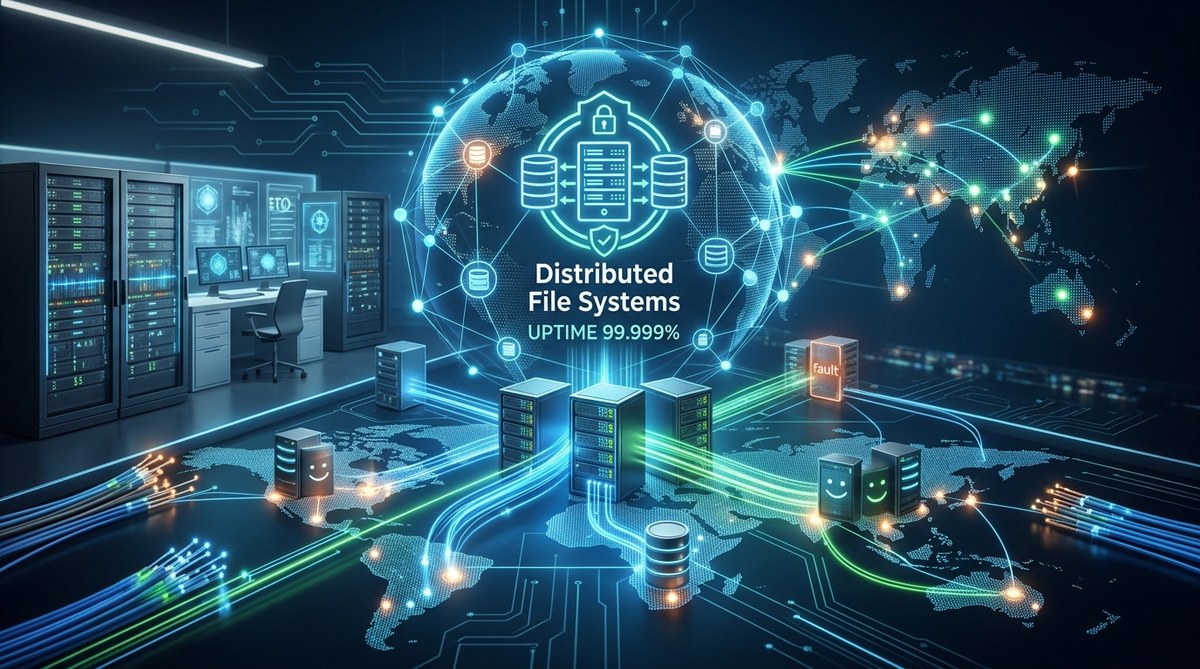
Distributed file systems solve this exact problem. Instead of storing data on one machine or one data center, they spread copies across multiple nodes, racks, and even geographic regions. When one node goes dark, the system routes requests to a healthy replica. Your users never notice. In 2026, this architecture is not optional for any serious infrastructure. It is the baseline for uptime.
Distributed file systems eliminate single points of failure by replicating data across multiple nodes and locations. In 2026, they are essential for any tech stack targeting 99.99% uptime. This guide covers the core strategies, common mistakes, and a practical implementation plan for DevOps teams.
Why your 2026 stack needs distributed storage
A single server fails. It happens every day. Hard drives die, power supplies trip, network switches drop packets. If your file hosting relies on one machine, that failure becomes a full outage.
Distributed file systems for uptime change the math. They use replication, erasure coding, and automatic failover to keep data accessible. You lose a node, the system stays up. You lose a data center, the system stays up. This is how companies like Netflix, Spotify, and Google maintain availability during regional disasters.
The shift to distributed storage is also driven by data growth. Your 2026 infrastructure handles more files, larger models, and higher traffic than ever before. A centralized NAS or a single S3 bucket cannot scale without introducing latency or cost spikes. Distributed systems scale horizontally. Add nodes, get more capacity and more throughput.
How distributed file systems prevent downtime
Let us look at the mechanisms that make these systems resilient.
Replication across nodes
The most straightforward approach. Every file exists on at least two (often three) separate nodes. If node A fails, the client reads from node B. Writes succeed as long as a majority of replicas acknowledge them. This is how Ceph and GlusterFS work.
Erasure coding for efficiency
Erasure coding splits a file into fragments and adds parity chunks. You can lose a certain number of fragments and still reconstruct the original. It uses less storage than full replication while providing similar fault tolerance. This is common in object storage systems like MinIO and the underlying storage of Google Cloud.
Automatic failover and rebalancing
When a node goes offline, the system detects the failure within seconds. It promotes a replica to primary or recalculates the parity to serve reads. When the node returns, the system rebalances data to maintain the desired redundancy level. No manual intervention required.
Geographic distribution
A truly resilient setup spreads nodes across multiple data centers or cloud regions. A power outage in us-east-1 does not affect your users in europe-west-2. You can read more about this in our guide on how to implement multi-cloud file hosting for redundancy in 2026.
Common mistakes teams make when adopting distributed file systems
Even experienced DevOps engineers trip on these issues. Avoid them to save yourself a late night.
| Mistake | Why it hurts | How to avoid it |
|---|---|---|
| Treating all nodes as equal | Some nodes have slower disks or older CPUs. They become bottlenecks. | Profile node performance and assign weights in your distribution algorithm. |
| Ignoring network partitions | A split in the network can cause a split-brain scenario where two nodes think they are the primary. | Use a consensus algorithm like Raft or Paxos. Set a quorum size of N/2 + 1. |
| Skipping monitoring for disk latency | A slow disk does not fail completely but degrades read performance. | Track p99 latency per node. Set alerts when latency exceeds your threshold. |
| Overlooking metadata server bottlenecks | Metadata operations (listing files, checking permissions) can become a choke point. | Use a distributed metadata layer. Systems like GlusterFS separate metadata from data. |
| Forgetting about clock skew | Timestamps from nodes with different clocks confuse conflict resolution. | Use NTP with strict drift limits. Prefer monotonic clocks for version vectors. |
A practical plan to deploy a distributed file system for uptime
Here is a step-by-step process to evaluate and implement a distributed file system in your 2026 stack.
-
Audit your current storage architecture. Map every file path, every NFS mount, every S3 bucket. Identify single points of failure. A single NFS server in your data center is a risk. A single cloud storage account with no replication is a risk.
-
Define your uptime target. Do you need 99.9% or 99.999%? The higher the target, the more redundancy you need. A three-node cluster with two replicas per file gets you to about 99.99% for most workloads. For five nines, you need geographic replication and automatic failover.
-
Choose the right system for your workload. Ceph is great for block and file storage at scale. GlusterFS is simpler for POSIX-compatible file access. MinIO works well for S3-compatible object storage. For media streaming, consider a system optimized for large sequential reads. Our article on what are the best file hosting solutions for high-volume media streaming can help you decide.
-
Set up a test cluster in staging. Deploy three nodes. Configure replication factor to 2. Simulate a node failure by pulling the power cord. Measure how long the system takes to failover. Verify that no data is lost.
-
Design your monitoring and alerting. Track node health, disk usage, replication lag, and metadata server response times. Use a tool like Prometheus with Grafana. Set up alerts for replication factor dropping below your target.
-
Plan your migration. Move data in batches. Use a tool like rsync or a dedicated migration script. Validate checksums after each batch. Run your application against the new storage in a staging environment before cutting over.
-
Document your runbooks. Write down the steps to add a node, replace a failed disk, and recover from a metadata corruption. Share them with your on-call team.
“The most common failure we see is not the hardware failure. It is the human failure to plan for how the system behaves during a partial outage.” – Senior SRE at a major CDN provider
Monitoring metrics that matter for uptime
You cannot improve what you do not measure. Focus on these metrics.
- Replication factor. The average number of copies of each file. If it drops below your target, you risk data loss.
- Node health. CPU, memory, disk I/O, and network throughput. A node running hot is about to fail.
- Metadata server latency. Time to list a directory or read file attributes. High latency here frustrates users.
- Rebalance time. How long the system takes to restore redundancy after a node comes back online.
- Read and write throughput. Track both average and p99. Spikes in p99 indicate a struggling node.
For a deeper look at what to monitor, check out our guide on 7 file hosting metrics every developer should monitor to ensure uptime.
When to avoid fully distributed systems
Distributed file systems are not a silver bullet. There are cases where they add complexity without much benefit.
- Small teams with simple workloads. If you run a single application with a few hundred files, a replicated S3 bucket or a RAID array might be enough.
- Workloads that need strong consistency on every read. Some distributed systems trade consistency for availability. If your application cannot handle stale reads, you need a system with strong consistency guarantees, which adds latency.
- Regulatory constraints on data locality. Some regulations require data to stay within a specific geographic boundary. A distributed system that replicates across regions might violate this. You can still use a distributed system within one region.
In those cases, consider a simpler approach. Our article on how to choose between centralized and decentralized file hosting for your projects in 2026 can help you weigh the trade-offs.
Building a resilient storage culture
Technology alone does not guarantee uptime. Your team culture matters.
- Run failure drills. Once a quarter, schedule a game day where you simulate a storage node failure. Let your on-call engineer practice the runbook. Time the recovery.
- Review post-incident reports. After any storage-related incident, write a blameless postmortem. Share it with the team. Update your runbooks.
- Invest in observability. If you cannot see the health of your distributed file system, you are flying blind. Invest in good dashboards and logging.
Your next steps for 2026
Start small. Pick one service or one dataset that is critical to your uptime. Migrate it to a distributed file system. Measure the improvement in uptime. Learn from the experience. Then expand to the rest of your stack.
Distributed file systems for uptime are not a future trend. They are a present-day requirement. Your users expect your service to be available. Your infrastructure should match that expectation.
If you want to learn more about securing your storage, read our guide on top strategies for securing your cloud storage data. For tips on keeping costs under control, see how to reduce file hosting costs without sacrificing performance in 2026.
The best time to adopt a distributed file system was last year. The second best time is today. Start your evaluation this week. Your future self, woken up at 3 AM by a server failure, will thank you.